LIZA / QA ENGINEER

Case 02 · Mobile

iOS Mobile App Testing

LangSide: Learn English — a production-oriented iOS app on TestFlight. I tested the build like a user, then checked the same rules on the backend in Swagger UI.

TestFlight iOS Xcode Simulator Swagger UI
1TestFlight build
20+Test scenarios
2Confirmed defects
iPhone+ Simulator

Project overview

Testing a real iOS product distributed through TestFlight and released on the App Store.

Product: LangSide: Learn English. Version 1.1, build 1. Role: manual QA. Scope: authentication, onboarding, learning flows, UI behaviour, validation, install/update, and API checks on the endpoints behind those flows. API testing was focused on endpoints related to the tested user flows rather than full backend coverage.

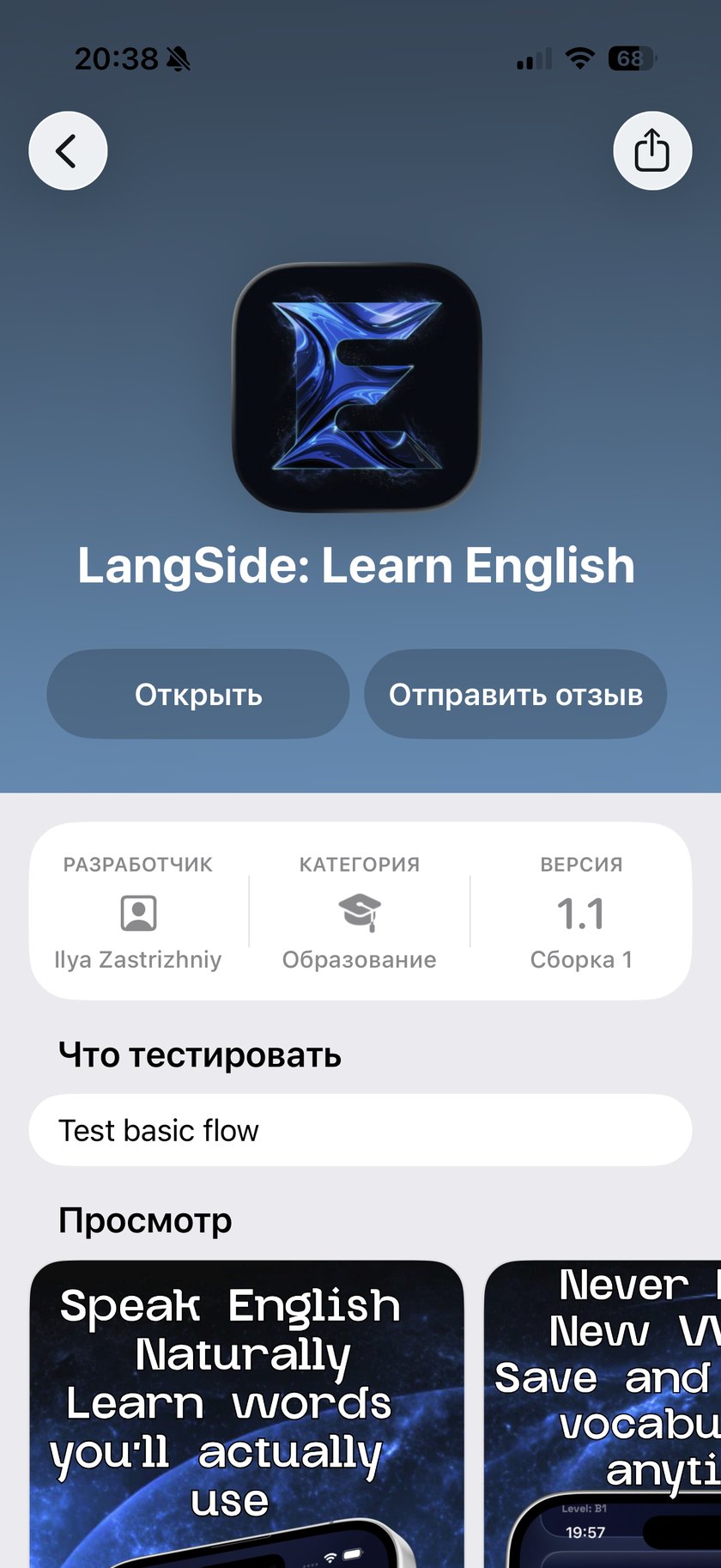
TestFlight page for LangSide: Learn English, version 1.1 build 1
TestFlight · LangSide: Learn English · v1.1 (build 1)

Environment

Device, simulator, build, API docs.

Physical device

iPhone 17 · iOS 26.5

Simulator

iPhone 14 Pro Max · iPhone 16 Pro · iPhone 17 Pro

Distribution

TestFlight · v1.1 · build 1

Backend tools

Swagger UI · REST API · OpenAPI 3.1

Testing scope

Focused test scope

The API has auth, words, sessions, purchases, battles, friends, and more. This pass stayed on the path a new user actually takes, plus API checks next to the same UI rules.

Authentication

  • Registration, login, logout
  • Password validation
  • Invalid credentials

Learning

  • Add word
  • Start / answer / finish session
  • Progress and statistics

Account

  • Profile
  • Relaunch and session persistence
  • Delete account

Mobile behaviour

  • Install from TestFlight
  • Different screen sizes
  • Relaunch, rapid taps, network drop

What was tested

Not only the happy path.

  • Boundary values on password length
  • Rapid taps during delayed transitions
  • Client vs server validation on the same rule
  • Install from TestFlight and first launch
  • Negative cases: empty fields, invalid credentials

Featured defects

Two confirmed defects found during TestFlight testing.

Both came from the TestFlight build. The first needed Swagger next to the UI. The second needed a tap during a 1.5s delay — not after the screen had already moved.

BUG-IOS-001 Bug · Medium

Password validation rules differ between the iOS client and backend

Type: Validation · Functional

Severity
Medium
Priority
Medium
Build
TestFlight 1.1 (1)
Environment
iPhone 17 · iOS 26.5

Preconditions

Registration screen is open. Swagger UI is available for POST /api/v1/auth/register.

Steps to reproduce

  1. On iOS, enter a valid email and a 4-character password (e.g. Ab12)
  2. Submit registration — the client shows an alert: password must be at least 8 characters
  3. Send the same payload to POST /api/v1/auth/register in Swagger UI

Expected

The same password rule on client and server. If the UI requires 8 characters, the API should reject a 4-character password too.

Actual

The backend accepts a 4-character password that the iOS client rejects.

Finding Client-side validation and server-side validation enforce different password requirements.

BUG-IOS-002 Bug · Medium

User can select multiple answers before the onboarding screen advances

Type: UI · Logic

Severity
Medium
Priority
Medium
Build
TestFlight 1.1 (1)
Environment
iPhone 17 · iOS 26.5

Preconditions

Onboarding shows a single-choice question. After a tap, the screen waits about 1.5 seconds before moving on.

Steps to reproduce

  1. Open an onboarding question with one expected answer
  2. Tap the first option
  3. Before the automatic transition, tap a second option
  4. Check the selected state

Expected

After the first tap, other options lock. Only one answer is kept.

Actual

During the delay, a second option can still be selected. Two answers can look selected at once.

Risk Rapid interaction during the transition can leave the onboarding state ambiguous.

API verification

API checks next to the iOS client.

I used Swagger UI to compare backend behaviour with the validation rules enforced by the iOS client. API checks were limited to endpoints related to the tested flows rather than the full OpenAPI specification.

POST /api/v1/auth/register

Registration

Password length vs the rule shown in the iOS UI.

POST /api/v1/auth/login

Login

Valid and invalid credentials.

GET /api/v1/users/me

Current user

Authorization and user data after login.

QA artifacts

Plan, checklist, reports, summary.

What I learned

The interesting bugs sat between screens, and between client and server.

A UI alert is not the same as a backend rule. A 1.5s pause before the next screen is a test window. A normal-paced flow looked correct; rapid interaction exposed the state issue.

Result

Two reproducible defects on a real TestFlight build.

Coverage

Authentication · Onboarding · Learning · Account · Mobile behaviour

Techniques

Functional · Negative · Boundary · Exploratory

Tools

TestFlight · Xcode Simulator · Swagger UI

Outcome

2 confirmed defects · 20+ test scenarios · UI/API validation cross-check

← Web case Back home